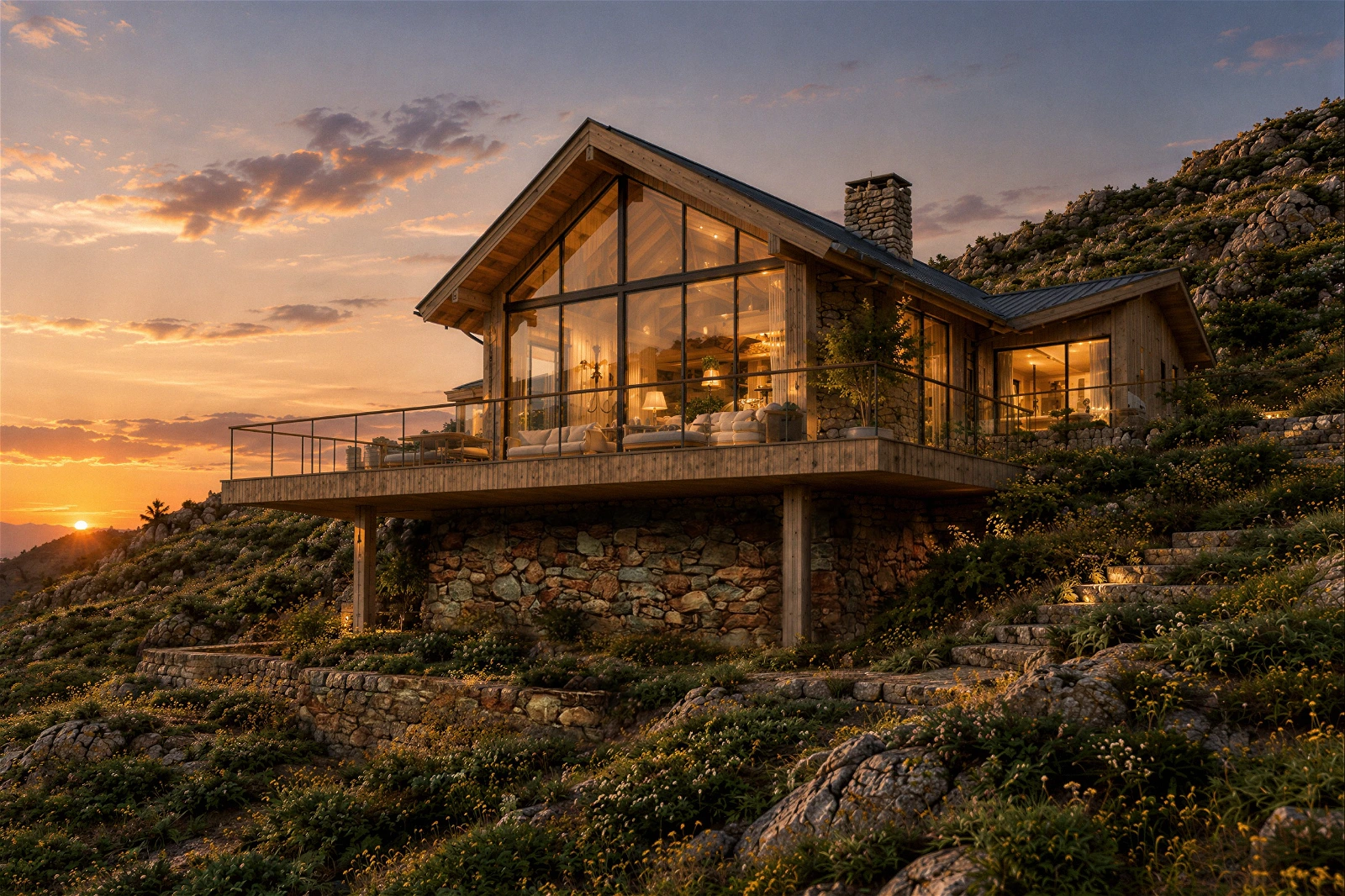
How 3D Terrain Displacement Mapping Creates Realistic Natural Landscapes in ArchViz
Why do 3D natural landscapes in architectural visualization often look flat, synthetic, or excessively heavy on geometry? Achieving realistic outdoor terrain requires a delicate balance between intricate surface detail and scene rendering performance.
Relying on dense static meshes to model rolling hills, rocky cliffs, and weathered soil frequently leads to laggy viewports and inflated render times. Utilizing 3D terrain displacement mapping provides an efficient solution, allowing artists to generate authentic surface depth, organic elevations, and fine rock textures dynamically at render time.
The Challenge of Modeling Natural Landscapes in 3D
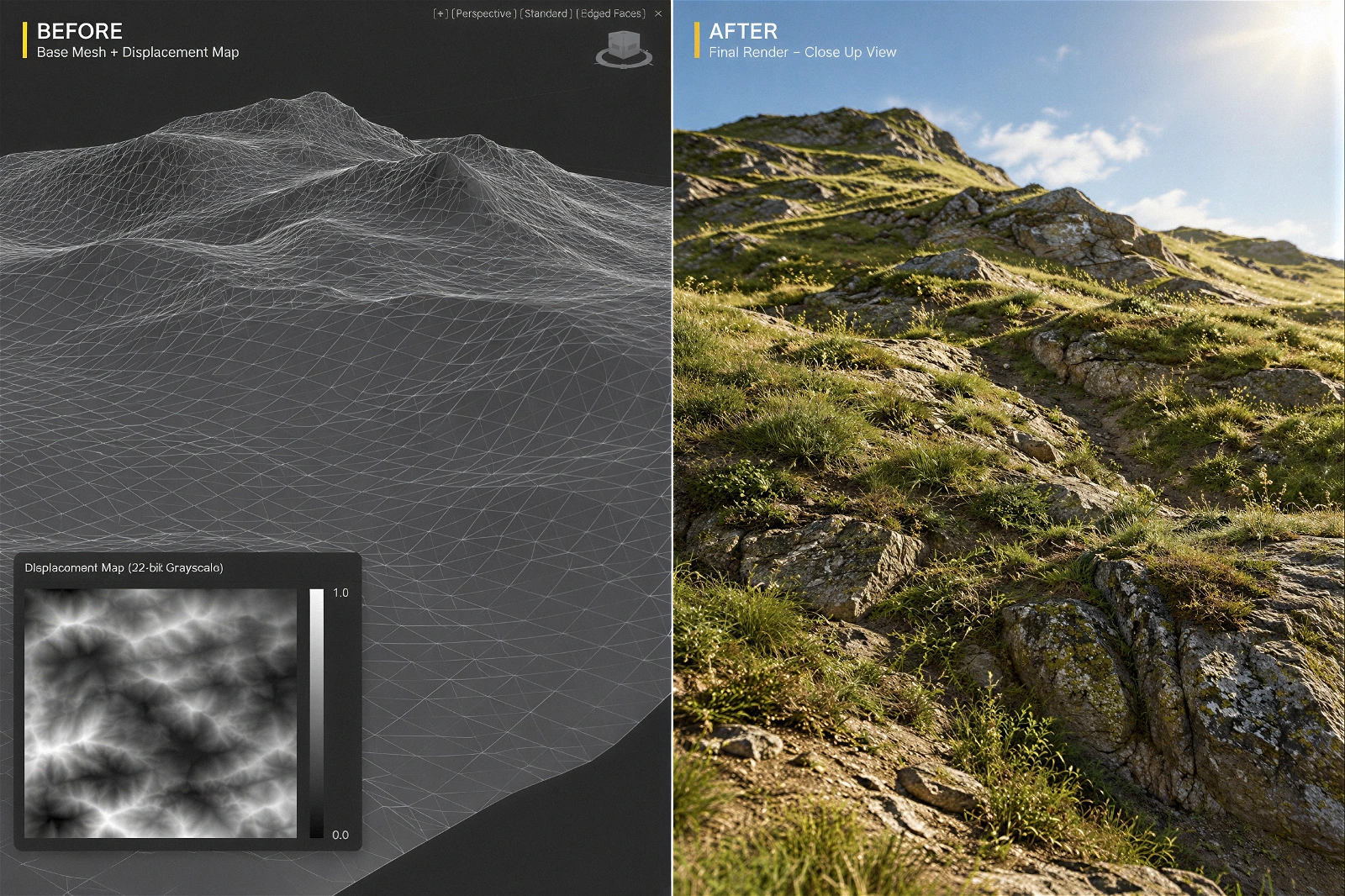
Unlike manufactured architectural structures with clean planar surfaces, natural environments are defined by irregularity. Soil erosion, micro-topography, rocky outcrops, and sediment layers create subtle height variations that define organic realism.
Attempting to capture these fine details through traditional polygonal modeling presents two major technical hurdles:
- Excessive Polygon Counts: Sculpting high-resolution terrain meshes creates massive file sizes that slow down scene assembly and strain system memory.
- Viewport Inefficiency: Dense geometry degrades real-time viewport frame rates, making lighting setup and asset placement tedious for 3D artists.
What Is Terrain Displacement Mapping and How Does It Work?
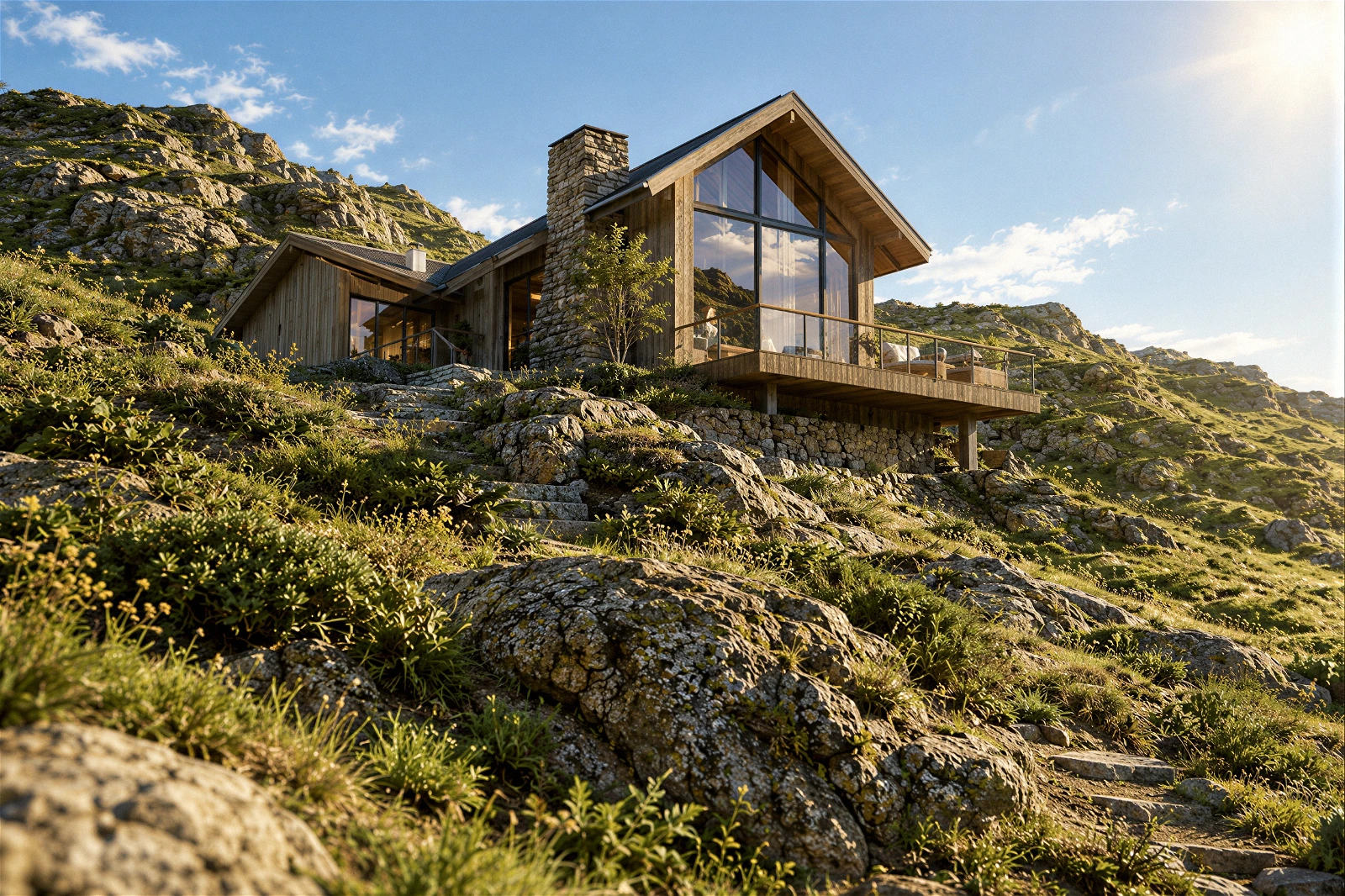
Displacement mapping differs fundamentally from bump or normal mapping. While bump and normal maps merely alter light reflection to simulate surface depth on a flat surface, displacement mapping actually modifies the underlying geometry during the rendering phase.
By applying a high-bit-depth grayscale height map (16-bit or 32-bit EXR or TIFF), the render engine subdivides base geometry procedurally. White pixels displace surface vertices upward, black pixels push vertices downward, and middle gray values leave base mesh elevations unchanged. This procedural approach generates true geometric detail, shadow casting, and accurate silhouette profiles without cluttering the working viewport.
Key Advantages of 3D Terrain Displacement Mapping
Mastering displacement mapping techniques equips visualization studios with significant technical and artistic advantages when building outdoor environments.
1. Authentic Surface Detail and Organic Topography
High-resolution displacement maps derived from photogrammetry or procedural noise generators reproduce realistic rock formations, cliff faces, and soil textures. The render engine generates true geometric contours, ensuring realistic shadow casting under direct sunlight or hdri environment lighting.
2. Optimized Scene Geometry and Fast Viewports
Base terrain meshes can remain lightweight during scene assembly, allowing artists to navigate 3D viewports smoothly. The heavy subdivision and vertex displacement occur dynamically in system memory during render initialization, preserving file organization and reducing project load times.
3. Seamless Integration with Vegetation Scattering
Natural landscapes rely heavily on procedural asset scattering, such as grass, shrubs, and trees. Because displacement mapping creates physical geometric elevation, scattered vegetation aligns accurately with terrain contours, preventing floating assets or clipped plant roots.
Best Practices for Studio Pipeline Implementation
To maximize rendering efficiency and visual fidelity when using displacement maps for natural terrain, follow these production standards:
- Use High Bit-Depth Height Maps: Always deploy 16-bit or 32-bit grayscale formats to eliminate stair-stepping and banding artifacts caused by 8-bit image compression.
- Calibrate Displacement Scale and Shift: Fine-tune height intensity parameters within the material shader to prevent unnatural terrain distortion or stretched texture mapping.
- Combine with Procedural Shaders: Layer displacement maps with procedural noise maps and triplanar mapping to avoid visible texture tiling across expansive landscapes.
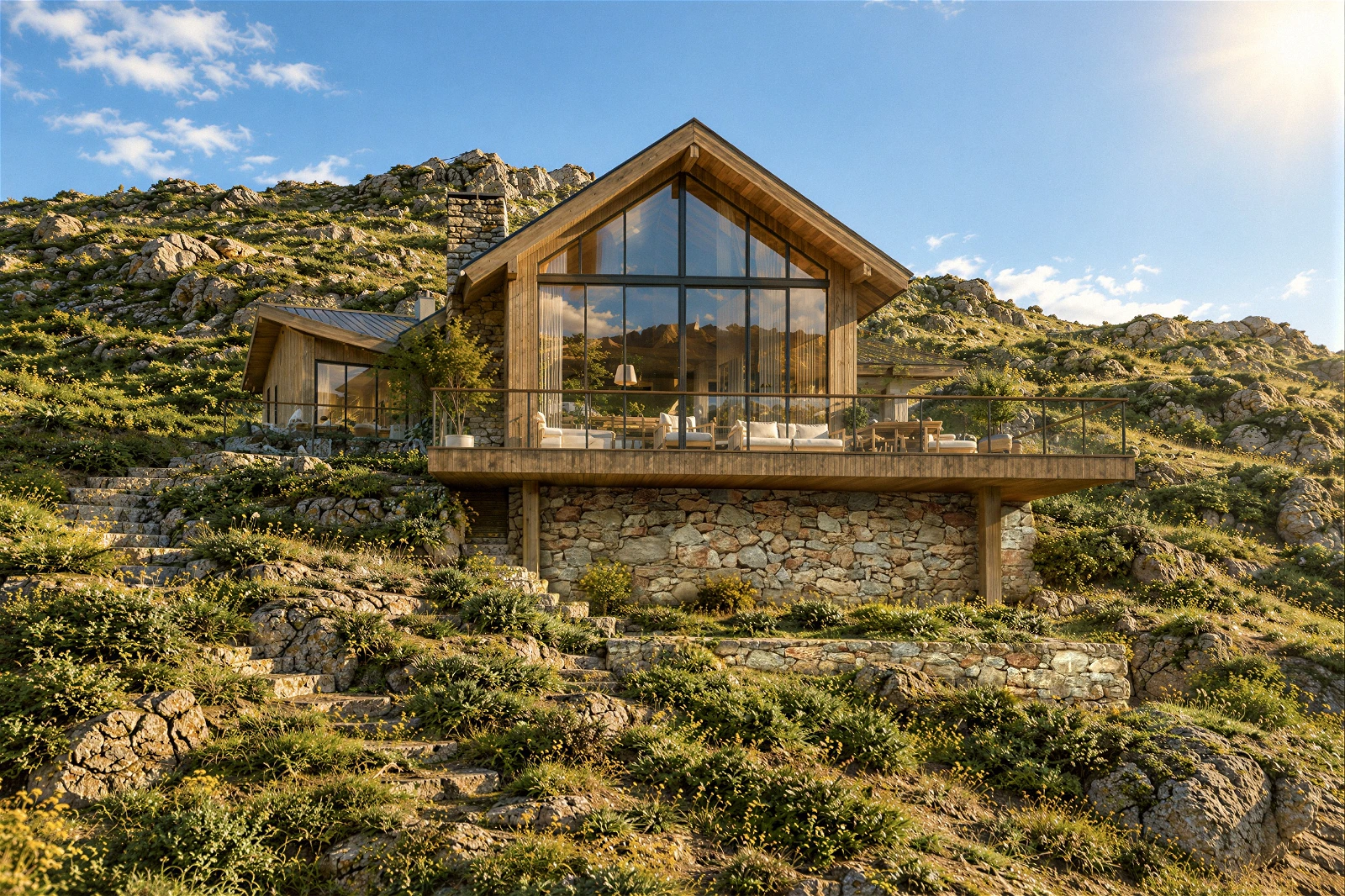
Integrating 3D terrain displacement mapping into your landscape workflow ensures your outdoor architectural visualizations achieve photorealistic organic realism while maintaining optimal render performance.
Looking to elevate your landscape renders and optimize your studio’s 3D production pipeline? Explore our specialized architectural visualization solutions at Our-Inspiration Studio.