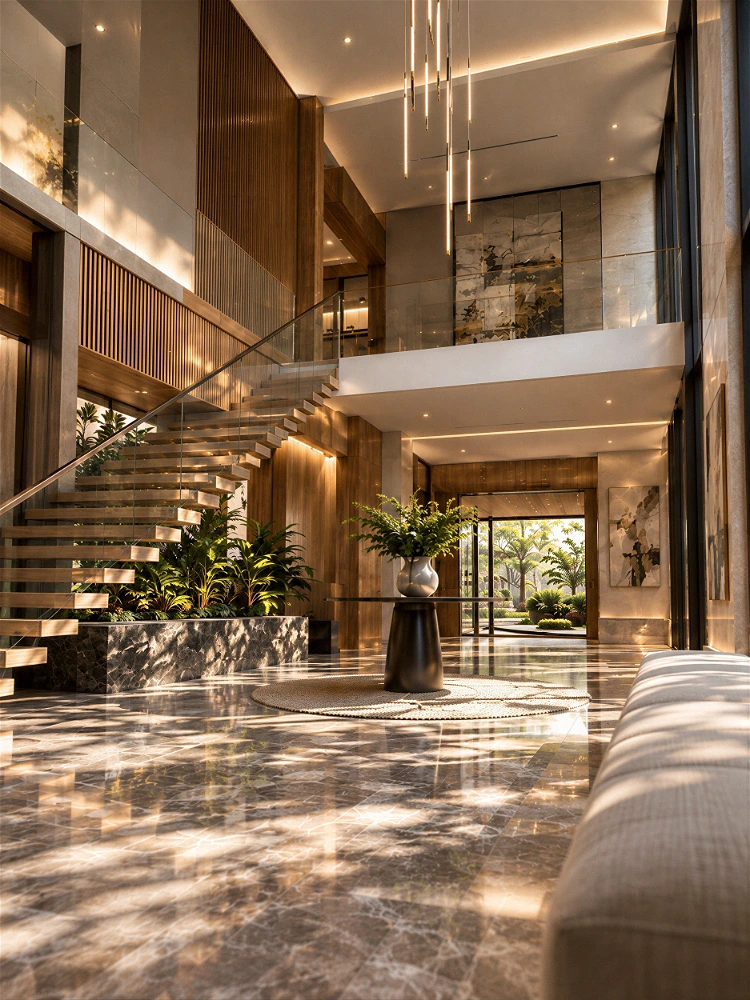
Enscape vs Twinmotion: Which Real-Time Rendering Tool Fits Your Architectural Workflow?
When clients demand rapid design iterations and tight project turnarounds, waiting hours for traditional offline render passes can stall project momentum. Real-time rendering tools have transformed modern architectural visualization, allowing design teams to explore spatial concepts, adjust lighting, and present client options instantaneously.
Among the leading solutions in the architectural visualization market, Enscape and Twinmotion stand out as top choices for design firms. While both software packages deliver incredible rendering speed, they serve distinct operational needs across the architectural pipeline. Understanding the key differences between Enscape vs Twinmotion ensures your studio selects the right rendering engine for every project phase.
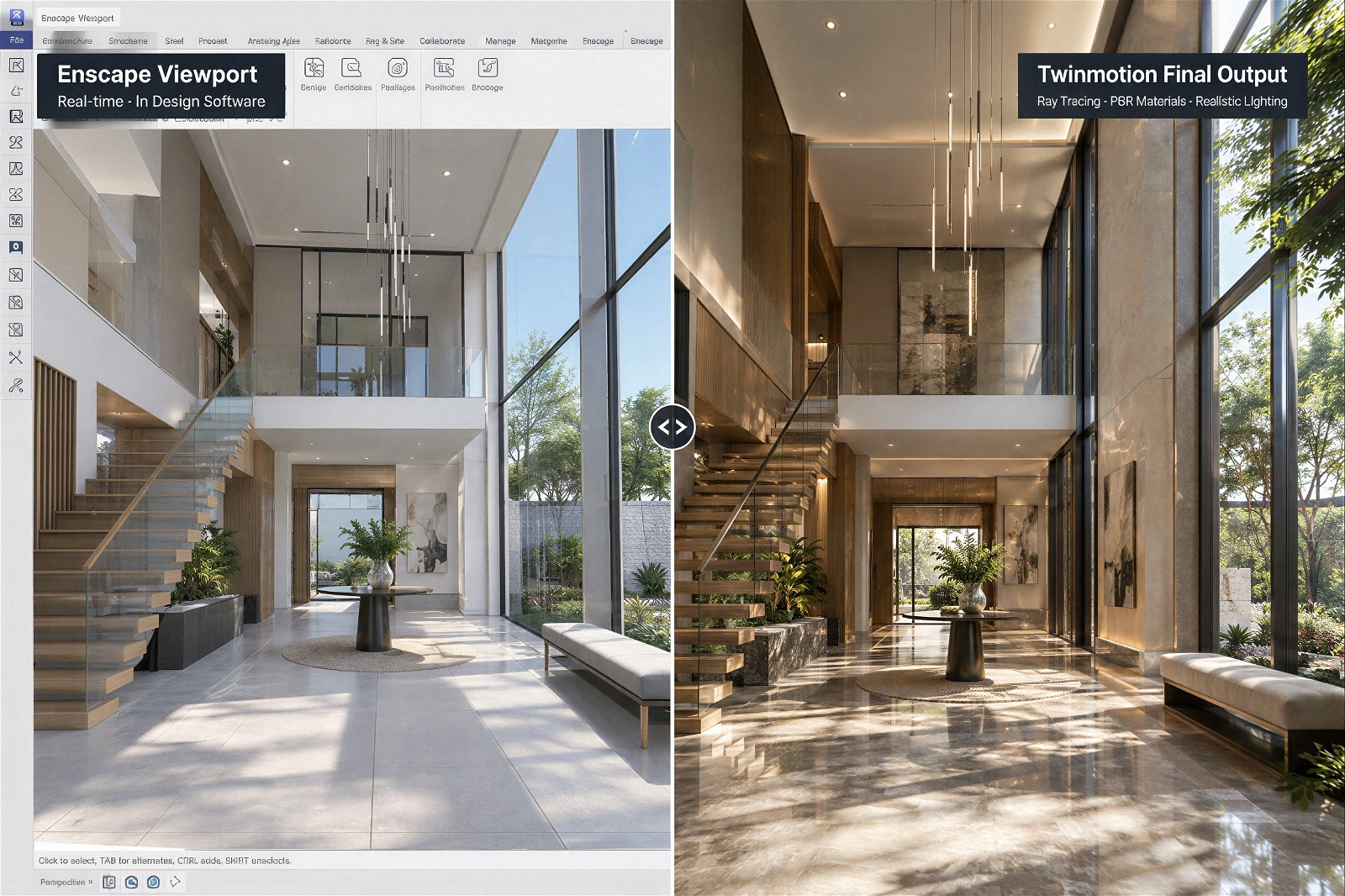
Understanding Enscape: Speed and Seamless BIM Integration
Enscape is built around workflow integration and immediate design feedback. Functioning as a direct plugin inside popular CAD and BIM software like Revit, SketchUp, Rhino, and Archicad, Enscape allows architects to visualize their models in real time without exporting files to external software.
Key Strengths of Enscape
- Direct BIM Viewport Integration: Changes made in Revit or SketchUp reflect instantly in the Enscape viewport, creating a continuous feedback loop during early schematic design.
- Minimal Learning Curve: Intuitive navigation and straightforward settings enable architects to produce clean renders and 360 panoramas without extensive visualization training.
- One-Click Panorama and Standalone Exports: Generating web-based panoramas or executable standalone files allows clients to navigate models interactively on their own devices.
Ideal Use Cases for Enscape
Enscape excels during active design phases, internal design reviews, client coordination meetings, and fast-paced architectural pitch presentations where speed and model sync take priority over heavy visual post-production.
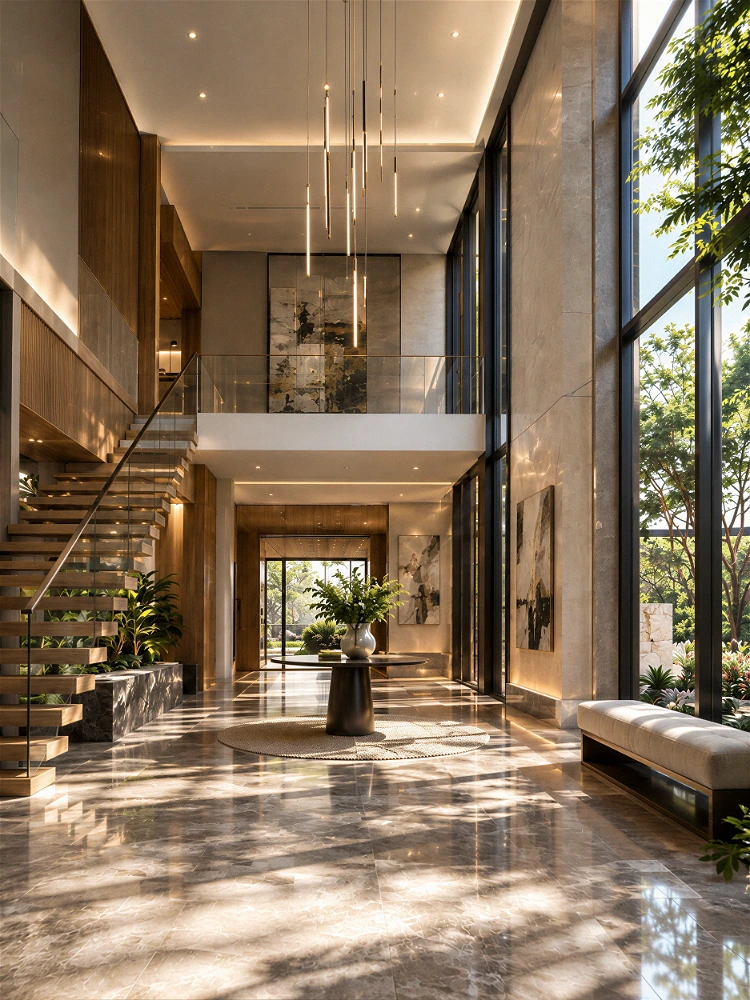
Understanding Twinmotion: High Visual Fidelity and Scene Depth
Powered by Epic Games’ Unreal Engine, Twinmotion offers an advanced real-time rendering ecosystem designed for atmospheric depth, complex animation, and high-end visual asset creation.
Key Strengths of Twinmotion
- Advanced Lighting and Ray Tracing: Twinmotion leverages hardware-accelerated ray tracing to deliver realistic reflections, global illumination, and sophisticated material refraction.
- Expansive Asset Libraries and Vegetation: Built-in Quixel Megascans integration provides thousands of photorealistic PBR materials, 3D entourage assets, and dynamic weather effects.
- Complex Scene Assembly and Animation: Twinmotion allows artists to populate large urban master plans, animate moving traffic, scatter dense forest vegetation, and generate cinematic video walkthroughs.
Ideal Use Cases for Twinmotion
Twinmotion is ideal for final marketing presentations, commercial real estate presale campaigns, complex landscape design, and immersive virtual tours that require elevated visual realism.
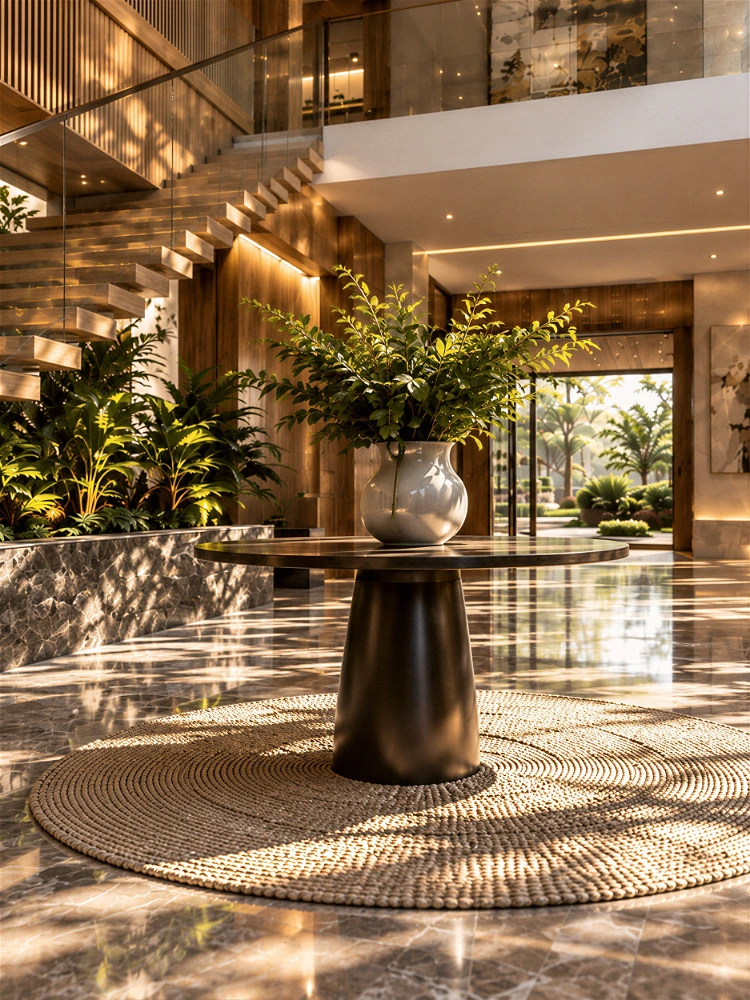
Enscape vs Twinmotion: Comparing Core Operational Criteria
To choose between Enscape and Twinmotion, evaluate how each tool aligns with your studio’s workflow requirements:
|
Operational Criterion
|
Enscape
|
Twinmotion
|
|---|---|---|
|
Primary Focus
|
Speed & Live CAD/BIM Sync
|
Atmospheric Realism & Asset Scattering
|
|
Workflow Setup
|
Direct Plugin inside CAD/BIM
|
Standalone Application (via Datasmith link)
|
|
Visual Realism
|
High (Great for Design Iteration)
|
Superior (Ray Tracing & Quixel Megascans)
|
|
Asset Library
|
Clean, Functional 3D Assets
|
Extensive, Photorealistic PBR & Megascans
|
|
Animation Tools
|
Basic Camera Path Fly-Throughs
|
Advanced Cinematic Keyframing & Weather
|
Aligning Software Selection with Studio Goals
Selecting the right real-time rendering software does not have to be an either-or decision. Many leading architectural firms deploy both tools strategically: Enscape for rapid in-house design development and Twinmotion for high-impact marketing deliverables.
Matching your visualization stack to specific project milestones maximizes production efficiency while delivering compelling visual assets to clients and stakeholders.
Looking to optimize your architectural visualization pipeline and elevate your property presentations? Discover our rendering solutions at Our-Inspiration Studio.